


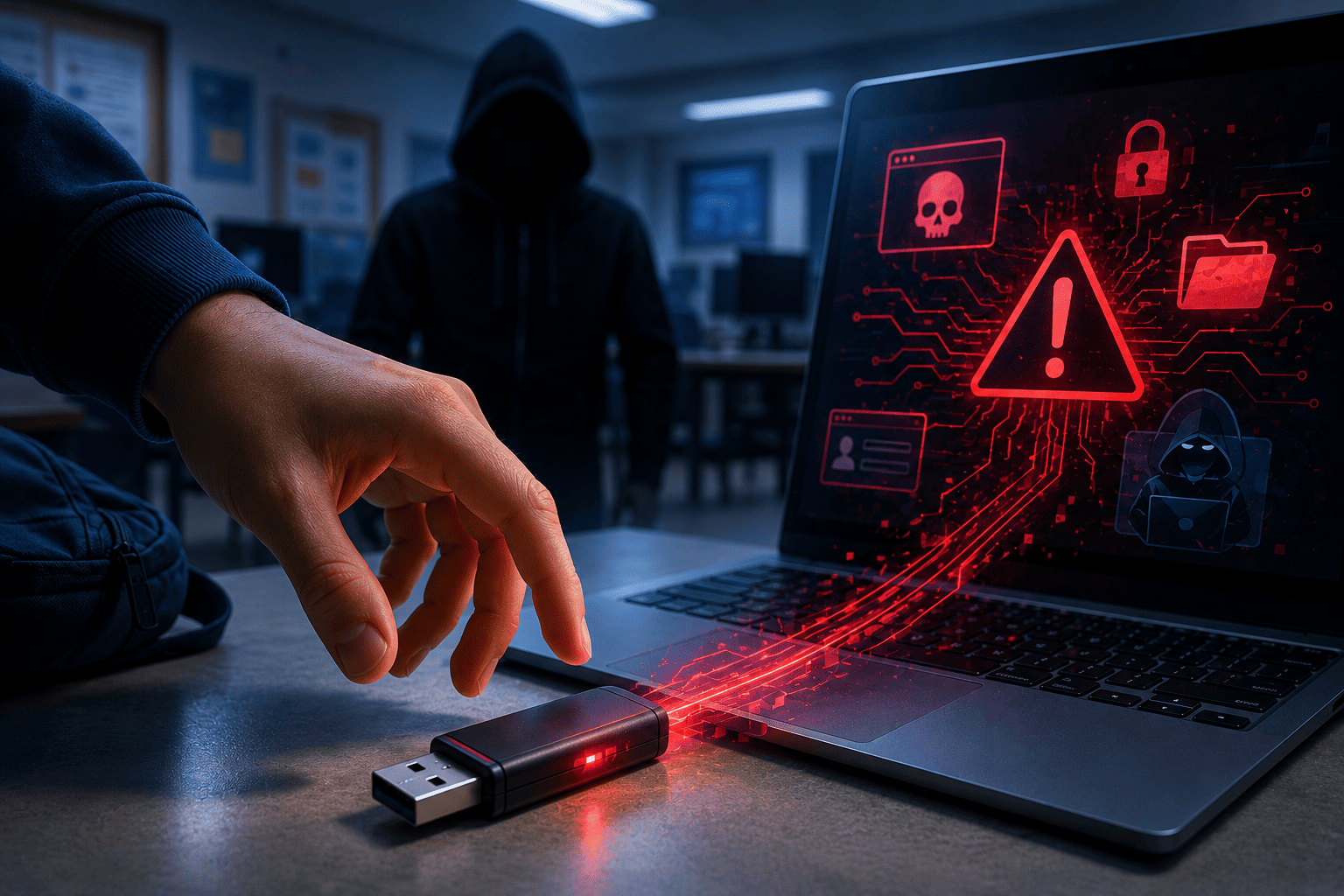
Free USB Drive? It Might Be Digital Poison
The real danger hidden inside an “innocent” flash drive
You’re at school and spot a USB drive on the floor labeled
“Chemistry Project – Grade 11.”
Out of curiosity, you plug it into a library computer.
Or maybe you attend a tech fair and receive a free gift bag: a flyer, some stickers, and a USB drive labeled “courtesy gift.”
It looks harmless.
Just a simple accessory.
It isn’t.
Situations exactly like this have been used to spread malware, steal data, lock systems, and spy on users — including students, schools, companies, and even government organizations.
Why USB Devices Are Dangerous
When you connect a physical device to your computer or phone, you’re opening a direct channel to your operating system.
That channel can be abused in several ways:
- Malware that installs automatically
- Keyloggers that record everything you type
- Viruses that steal personal files
- Code that gives remote access to an attacker
- USB devices disguised as keyboards that execute commands instantly
All of this can happen without any warning on your screen.
Real Scenarios That Affect Students
The “School Project” That Became an Attack
In a school computer lab, a student found a USB drive in the courtyard and plugged it in to check the contents.
Within seconds, hidden malware executed through a disguised shortcut.
The result:
- System crashes
- Unauthorized remote access to the school server
- Exposure of class records and exam files
The Free USB From a Student Fair
During a school visit to a tech event, students received branded USB drives as giveaways.
One student plugged it into their personal laptop.
The device ran hidden code that installed a trojan designed to steal saved browser passwords.
Nothing seemed wrong at first.
Two days later, the student lost access to email and Discord.
Friends who borrowed the drive experienced similar issues.
How to Protect Yourself From USB-Based Attacks
Never Plug In a USB Drive You Found
Even if it’s labeled:
- “Homework”
- “Grades”
- “School event photos”
- “Final project”
The label is bait.
Treat unknown USB devices as suspicious.
Be Careful With Free USB Giveaways
Yes, companies give out USB drives at events — but real attacks have used infected devices on purpose.
If you receive one and don’t trust the source:
- Don’t plug it in directly
- Scan it with antivirus software
- Only test it on an isolated computer with no personal data
Disable Auto-Run and Auto-Play
On Windows:
Control Panel → Hardware and Sound → AutoPlay
Turn off automatic execution for removable media.
This prevents files from running automatically when a device is connected.
Use Limited User Accounts on Shared Computers
At school or in public environments, always use student or restricted accounts.
If malware tries to install, it will have fewer permissions and cause less damage.
Prefer Cloud Sharing Instead of USB Drives
If someone wants to share files:
- Homework
- Presentations
- Photos
Say this:
“Send me a link, not a USB.”
Cloud platforms reduce physical attack risks and are safer overall.
Keep Antivirus Protection Active and Updated
Even if a device looks clean, antivirus software can block:
- Hidden scripts
- Auto-start malware
- Disguised executable files
Basic Digital Safety Rules for Students
- Never use unknown USB drives
- Disable auto-run features
- Keep antivirus enabled
- Prefer cloud-based file sharing
- Never test suspicious USB devices on your personal computer
Final Thought
A USB drive looks like simple storage.
But it can also be:
- A silent trap
- A professional attack vector
- A fast way to lose access to your accounts and data
What you connect to your computer is your responsibility.
If you’re unsure — don’t plug it in.
Ask questions.
Think first.
That’s how Guardians stay safe.


Deixe um comentário