


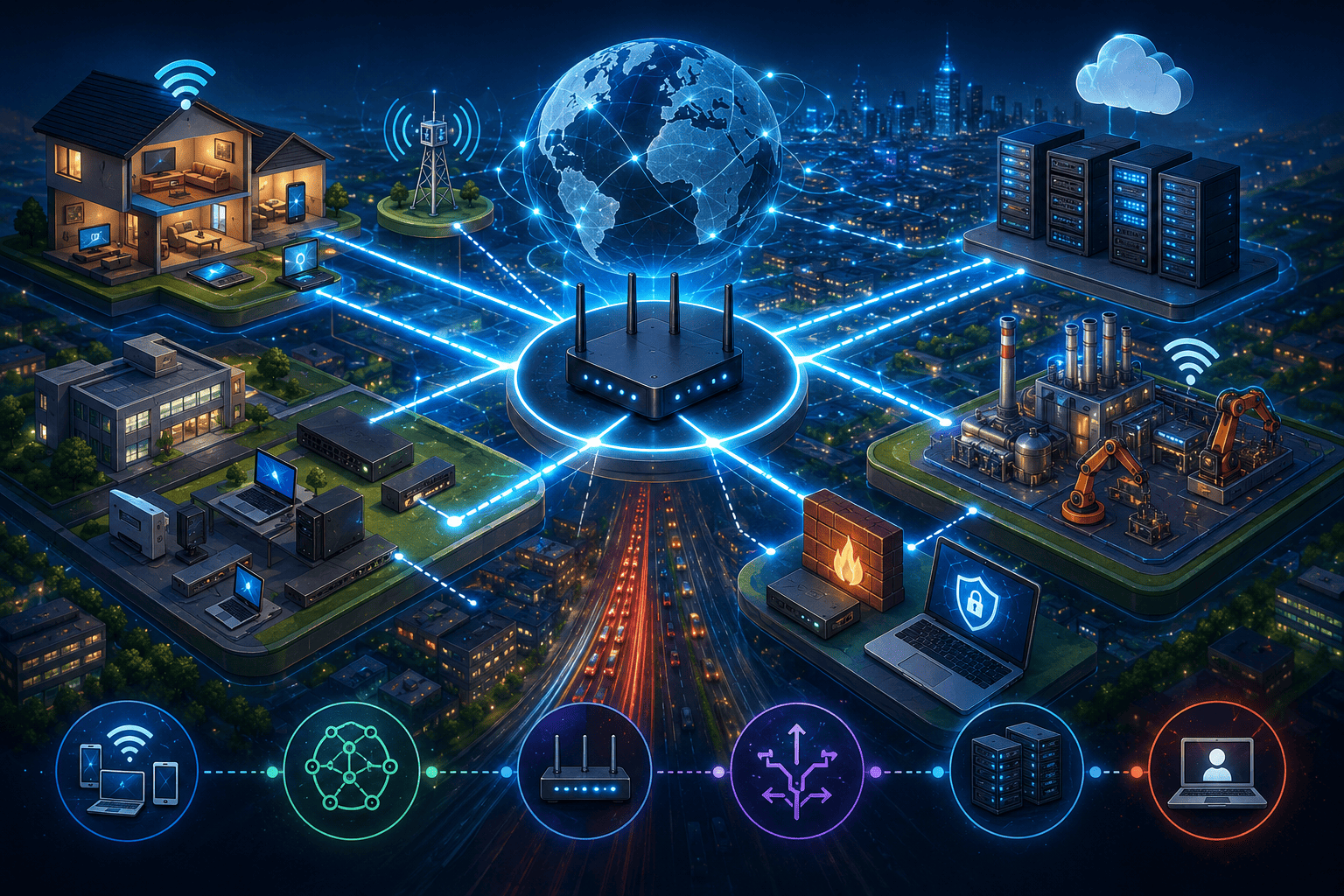
“If you understand how data moves, you understand how to protect it.
Networks are roads. Routers are intersections. Security starts with the path.”
What Is a Computer Network?
A computer network is a group of connected devices that exchange information using cables, Wi-Fi, radio signals, or fiber optics.
These devices include computers, smartphones, servers, printers, sensors, and smart devices.
Core components of a network:
- Hosts: end devices like laptops, phones, and servers
- Switches: distribute traffic inside a local network (LAN)
- Routers: connect different networks together (for example, your home to the internet)
- Transmission media: Ethernet cables, Wi-Fi signals, fiber optics, radio links, satellites
- Protocols: the rules of communication — mainly TCP/IP
IP Addressing: How Devices Identify Each Other
Every device on a network needs an address. That address is called an IP (Internet Protocol) address.
IPv4
- Example: 192.168.1.10
- Around 4 billion possible addresses
IPv6
- Example: 2001:0db8:85a3::8a2e:0370:7334
- Almost unlimited addresses
- Created to solve IPv4 exhaustion
Public IP vs Private IP
| IP Type | Where It’s Used | Visible on the Internet |
|---|---|---|
| Public IP | Internet providers, servers | Yes |
| Private IP | Home and internal networks | No |
Common private IP ranges:
- 10.0.0.0/8
- 172.16.0.0/12
- 192.168.0.0/16
Subnet Mask: Dividing the Network
A subnet mask separates the network portion of an IP from the device portion.
Example:
- 255.255.255.0 means the first three sections define the network
CIDR notation:
- 192.168.0.0/24 → 256 addresses (254 usable)
Subnetting allows:
- Better organization
- Network segmentation
- Stronger security
Routing: How Data Finds Its Way
Routing is the process of choosing the best path for data to travel between networks.
Packets rarely go in a straight line. They pass through multiple routers that decide where to send them next.
Types of routing:
- Static routing: manually configured
- Dynamic routing: automatic, using routing protocols
Routing Tables: The Router’s Map
Every router keeps a routing table, which tells it where to send packets.
Each entry includes:
- Destination network
- Subnet mask
- Gateway
- Interface
Every packet is checked against this table before moving forward.
MAC Address and ARP
- MAC Address: a unique hardware identifier for network interfaces
- ARP (Address Resolution Protocol): matches IP addresses to MAC addresses
Example:
- “Who has 192.168.0.100?”
- “I do. My MAC address is XX:XX:XX…”
NAT: Translating Addresses
NAT (Network Address Translation) allows many private devices to share one public IP.
Types:
- SNAT: changes the source address
- DNAT: changes the destination address (used for servers and port forwarding)
NAT improves security and conserves IPv4 addresses.
How a Packet Travels Across the Internet
- You type a website address
- DNS translates the name into an IP
- Your device sends a packet
- The router checks the routing table
- The packet follows multiple routes
- The server responds
- The response returns the same way
All of this happens in milliseconds.
Static vs Dynamic Routing
| Static Routing | Dynamic Routing |
|---|---|
| Manual | Automated |
| Simple | Adaptive |
| More predictable | Scales better |
| Used in small networks | Used in large networks |
Dynamic Routing Protocols
- RIP: older and limited
- OSPF: used inside corporate networks
- BGP: the backbone of the internet, used between providers
Why Networks Matter in Cybersecurity
Every cyber attack travels through a network.
- Attacks follow routes
- Defense depends on routing configuration
- Firewalls, NAT, and segmentation protect identities and data
- Understanding networks means understanding how attackers move
How Young Guardians Can Start Studying Networks
Technical Education
- Computer Networking
- IT Infrastructure
College Paths
- Computer Engineering
- Information Systems
- Software Development
- Networking Technology
Certifications
- CompTIA Network+
- Cisco CCNA
- Fortinet NSE
- MikroTik MTCNA
Practice Tools
- Cisco Packet Tracer
- GNS3
- Wireshark
- Virtual machines with firewalls
Careers and the Network World
Possible career paths include:
- Network Administration
- Infrastructure Engineering
- Network Security
- DevSecOps
- Cloud Networking
- Incident Detection and Response
- IoT and Industrial Networks
Why Networks Are Critical to Society
Without networks, there is no:
- Internet
- Banking
- Communication
- Online education
- Digital commerce
- National security
Network resilience is as essential as water and electricity.
Rafael’s Final Advice
“Networks are the backbone of the modern world.
If you want to protect the future, learn the paths where data moves.”


Deixe uma resposta