


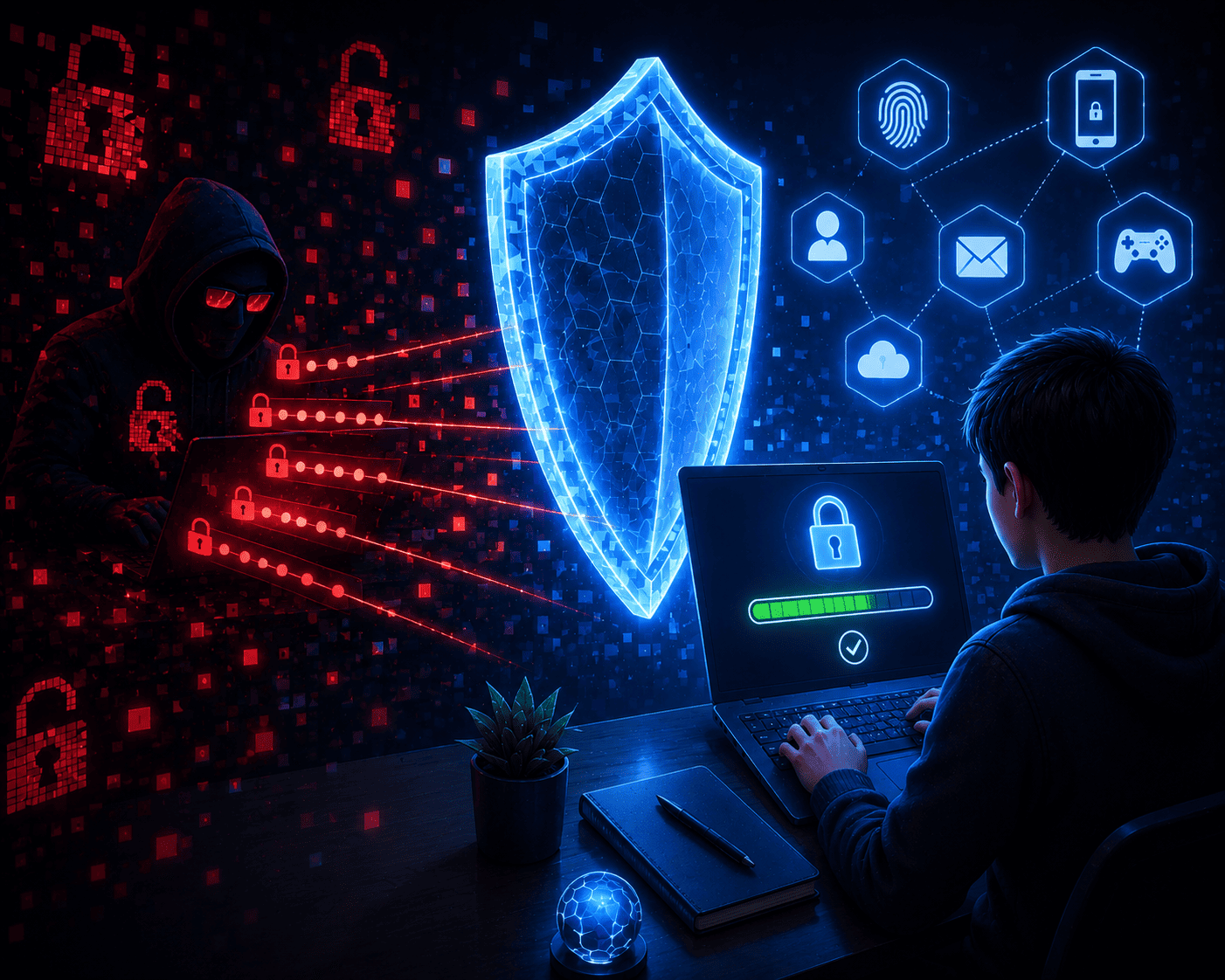
Everything you need to know to create strong passwords and avoid digital traps.
Why weak passwords are a real problem
Your password is the key to everything you do online:
social media, games, email, school platforms, banking apps, photos, and private conversations.
Yet many people still use passwords like:
- 123456
- password
- alex2009
- abcd1234
- or even their pet’s name
For hackers, these passwords are not protection. They’re jokes.
Automated tools can break weak passwords in seconds by testing thousands of combinations every minute.
“I’m just a teenager. Why would anyone hack my account?”
Because your account has value.
A stolen account can be used to:
- scam your friends and family
- sell your personal information online
- expose private messages or photos
- steal and resell gaming or social media accounts
- impersonate you and damage your reputation
Imagine a criminal sending messages in your name.
That’s not rare. It happens every day.
Real situations caused by weak passwords
Case 1: Online game account stolen
Pedro used the password minecraft123.
He clicked a fake website promising free in-game items and entered his login.
The attacker took over his account.
Progress gone. Skins gone. Characters gone.
Worse, the criminal contacted support pretending to be Pedro.
Case 2: Social media takeover
Gabriela used the same password everywhere: gabriela2009.
She received a fake email asking her to “verify her account.”
She clicked. She entered her password.
The next day, her profile was posting scam links to all her friends.
She lost the account and had to start from scratch.
How to create a truly strong password
No hype. Just practical rules.
Use at least 12 characters
Short passwords are outdated.
Anything under 8 characters is like locking your door with paper.
Mix letters, numbers, and symbols
Avoid obvious patterns like abc123 or yourname2024.
Examples of stronger passwords:
- Star@Purple2024!
- Guardians_Str0ng#100
- N0OneKnows@This!
Tip: turn a sentence into a password.
“My dog eats pizza every Saturday” becomes:
MdEp@Saturday22
Never reuse the same password
If one site gets hacked and you reuse passwords, attackers can access everything.
Use different passwords for:
- social media
- gaming accounts
- school platforms
Enable two-factor authentication (2FA)
Even if someone finds your password, they can’t log in without the extra code.
Turn it on for:
- TikTok
- Gmail
- Discord
- gaming platforms like Steam or Epic
Never share your password
Not with friends.
Not with “support.”
Not with anyone asking via message.
Teachers don’t need your password.
Real support teams never ask for full passwords.
If someone asks, it’s a scam.
Be careful with login links
Never enter your password through links sent by email or messages.
Fake sites copy the look of real ones to trick you.
When in doubt, type the website address yourself, like:
Final message
Your password is your digital armor.
If it’s weak, you’re exposed.
Hackers don’t need to know you personally.
They use bots, AI, and systems that test thousands of passwords per minute.
You don’t need to be a tech expert.
You just need to be smart.
A tip from the Guardians’ League
“There is no digital superpower more useful than a strong, unique password.
Protect your password, and you protect your identity.”
Create passwords with intention.
Use two-factor authentication.
Share this knowledge with friends.
Your first line of online defense is you.


Deixe uma resposta